Versatileer Brings you this post in regards to the “How to Create a Warm and Lasting Digital Memory Book for Loved Ones” by Charlene Roth. The post contains reference materials courtesy and by permission of Safetykid.info. It is brought to you and made available only for personal reference.
How to Create a Warm and Lasting Digital Memory Book for Loved Ones
by Charlene Roth – Visit the website by Safetykid.info

For busy adult children, grandparents, and close friends trying to preserve family memories, the hardest part is watching meaningful moments scatter across phones, group chats, and old albums until details start to fade. A digital memory book brings those fragments together through thoughtful photo preservation and simple storytelling that captures context, personality, and relationships. It protects emotional heritage in a form that can be revisited during ordinary days and shared during milestone moments without relying on anyone’s memory alone. The result is a lasting record of a life that stays present.
Quick Summary: Digital Memory Book Essentials
- Gather photos, videos, letters, and voice notes to build a meaningful starting collection.
- Organize memories by timeline, theme, or milestones to make the story easy to follow.
- Add captions and short reflections to preserve context, emotions, and personal details.
- Share digital stories through a format that is simple for loved ones to access and revisit.
- Personalize the memory book with thoughtful design choices that match the person and the moment.
Save It as a PDF: Make Your Memory Book Easy to Keep
Once you’ve mapped out the basics, one simple choice can make your finished memory book far easier to preserve and revisit: save it as a PDF. Exporting to PDF keeps photos, stories, and cherished moments together in a high-quality format that’s easy to share with family, print as a keepsake, and open on almost any phone, tablet, or computer, today and years from now. It also helps your pages look consistent, so the layout and captions stay where you intended. If you need to fine-tune the final file, there are online tools that let you convert, compress, edit, rotate, and reorder PDFs; keep a reliable option handy so you can circle back to this when you’re ready to polish and share. With your book saved in a durable format, the next step is deciding what you want each page to hold, and why it matters.
Understanding What Makes a Digital Memory Book Meaningful
With the format handled, focus shifts to content. A digital memory book is more than a folder of images. It works when three ingredients repeat throughout: photos that set the scene, short stories that explain why it mattered, and a small set of standout moments that deserve a page.
This matters because loved ones do not just want to see what happened. They want to understand who was there, what was said, and how it felt, which is the heart of digital storytelling. Clear choices also prevent overwhelm and make revisiting the book comforting instead of chaotic. Think of it like a highlight reel with liner notes. A single birthday photo becomes memorable when paired with the funny misheard wish and one detail people still quote. With your ingredients clear, gathering, scanning, captioning, and organizing into chapters becomes much easier.
Build Your Digital Memory Book Step by Step
This step-by-step memory book guide helps you turn scattered photos and keepsakes into a polished digital book that feels warm, clear, and easy to revisit. For general readers, the payoff is simple: less overwhelm, fewer lost files, and more meaning on every page.
- Choose a theme and a finish line
Start by defining what this book is “about,” such as a person, a year, a relationship, or a season of life. A pick a theme decision keeps you from trying to include everything and makes it easier to select only the most supportive photos and stories. - Collect and scan, then label as you go
Gather materials from phones, texts, social media downloads, emails, and any printed photos or letters you want to include, then scan paper items into clear image files or PDFs. As you save each item, use a simple filename like YYYY-MM Event Person so you can find it quickly later and avoid “mystery photos” with no context. - Consolidate everything into one working folder
Create one main project folder on your computer or cloud drive, with subfolders like 01 Photos, 02 Scans, 03 Audio, and 04 Draft Pages. The habit to consolidate all your digital photo storage reduces duplicates and keeps the project moving because you always know where the latest, best version lives. - Organize content into chapters before you design
Draft 5 to 10 chapter titles that match your theme, such as “Early Days,” “Traditions,” “Friends and Family,” “Work and Passions,” and “Favorite Stories.” Then drag your best items into chapter folders and add a short caption note for each, focusing on names, place, and the feeling or reason it mattered. - Apply simple digital scrapbook techniques for a cohesive look
Choose one clean page template, two fonts, and a small color palette so the book feels consistent from start to finish. Digital scrapbooking works best when you keep edits light and repeat a few design choices, such as one “full-bleed photo” page per chapter and one “story page” with 3 to 5 images and a short paragraph.
Start a Digital Memory Book One Page at a Time
It’s easy to postpone memory-keeping when photos are scattered, stories feel unfinished, and time is short. The steady approach is simple: start small, keep going, and let a digital memory book grow through consistent, caring choices rather than perfect plans. As pages accumulate, confident memory book creation follows, along with a stronger emotional connection to memories and more motivating memory preservation for the future. One photo and one story today are enough to begin.
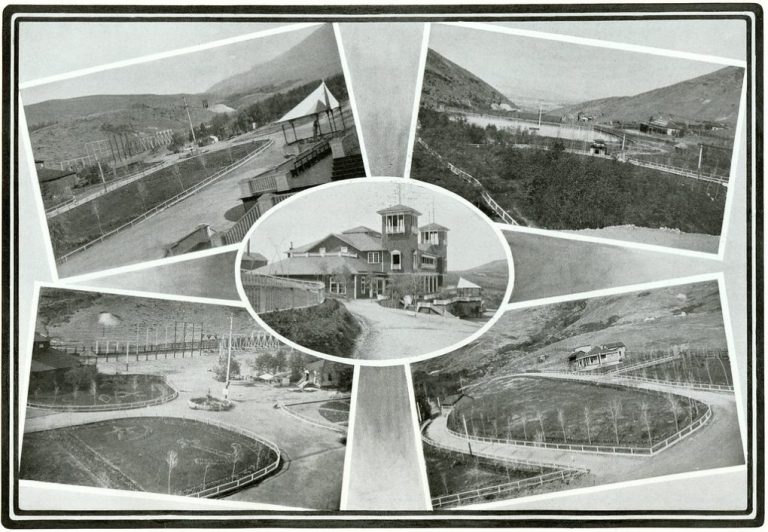
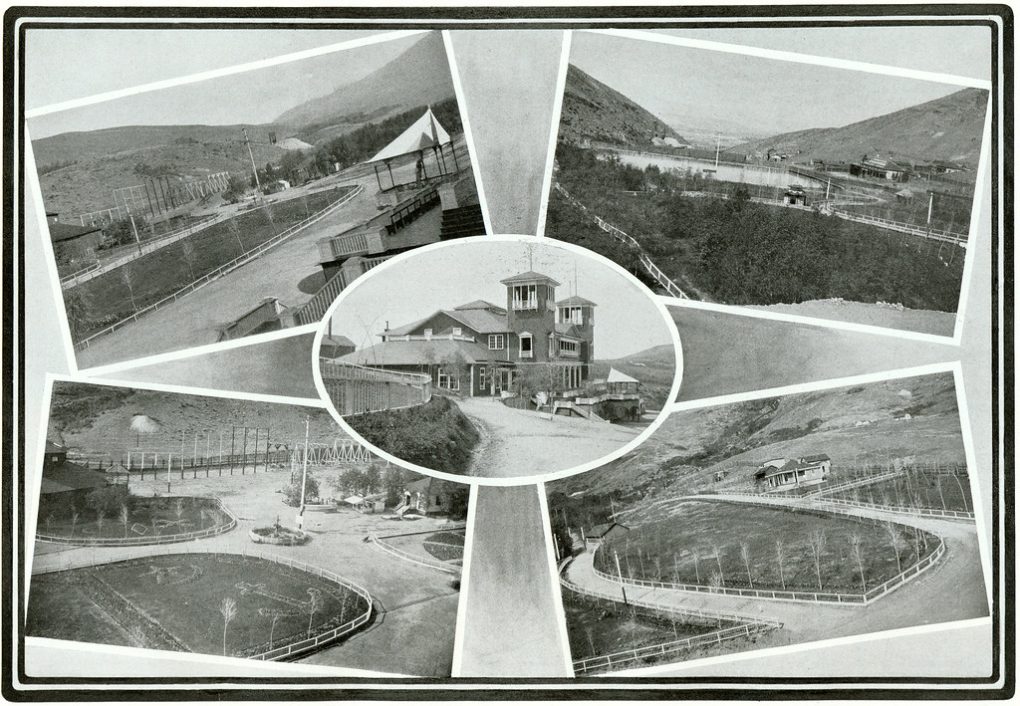
Random Views in Columbia Gardens, Pavilion in Center, Butte, Montana. (1900) courtesy of Openverse
How to Create a Warm and Lasting Digital Memory Book for Loved Ones
This article and content is brought to you courtesy of Charlene Roth and Safetykid.info. All Rights Reserved
More on Versatileer:
![Rockfleet (The Pirate Queen Prequel) by Jennifer Rose McMahon]()
Rockfleet (The Pirate Queen Prequel) by Jennifer Rose McMahon
02/20/2018![Ends 11-01 – 13 Day Long Giveaway: 31 Days of Halloween + $13.13 + 2 x $6.66 Amazon/PayPal Hallowe...]()
Ends 11-01 – 13 Day Long Giveaway: "31 Days of Halloween" + $13.13 + 2 x $6.66 Amazon/PayPal Hallowe...
10/18/2024![Corn on the Cob [193/366].jpg]()
Happy National Corn on the Cob Day – 2025
06/13/2025![How to Turn Your Photography Hobby into a Real Business__BUTTON.jpg]()
How to Turn Your Photography Hobby into a Real Business
04/15/2023![two_atl_2d0__15_00_20220916__Gaston]()
From the Satellite...Tropical Storm Gaston on .GIPHY, Video + 2022 Season Info
10/09/2022


![Corn on the Cob [193/366].jpg](https://versatileer.com/wp-content/uploads/2025/06/02362a28-0dd7-481b-bcc3-e36f7a16c371-100x100.jpg?crop=1)