Today is National App Day for 2024. December 11th is a day to celebrate the invention of a widely used invention called apps–or phone apps, I am bringing to you a “History of Apps”.

Photo by Pixabay courtesy of Pixabay
📱 What are Apps?
The acronym “Apps” stands for “Software Application.” As soon as smart technologies were integrated into our mobile devices, apps emerged. The apps that were made available grew in number as our phones’ processing chips, touchscreens, and internet connectivity improved. Since then, applications have continued to transform our lives, work, and pleasure. By generating billions of dollars in revenue, millions of new jobs, and thousands of new businesses, they also present opportunities. 5G is improving the mobile app performance to include faster speeds, lower latency, and better and faster streaming. The types of typical types of apps used are:
- Mobile apps: These apps are usually downloaded from an app store and are made especially for mobile devices, such as smartphones and tablets. Mobile apps can be categorized as:
- Native: A native app is a software application developed specifically for one mobile device.
- Hybrid: A hybrid app is a software application developed specifically for more than one mobile device, many devices, or all devices.
- Progressive web apps (PWAs): These web apps offer a near-native app experience by utilizing contemporary web technologies, enabling users to install them on their home screen and access them even when they are not online.
- Extensions: These are little applications that enhance an already-existing application, such as a web browser, by adding new functions that are frequently unavailable in the original software. Examples of these are Chrome extensions and FIrefox extensions.
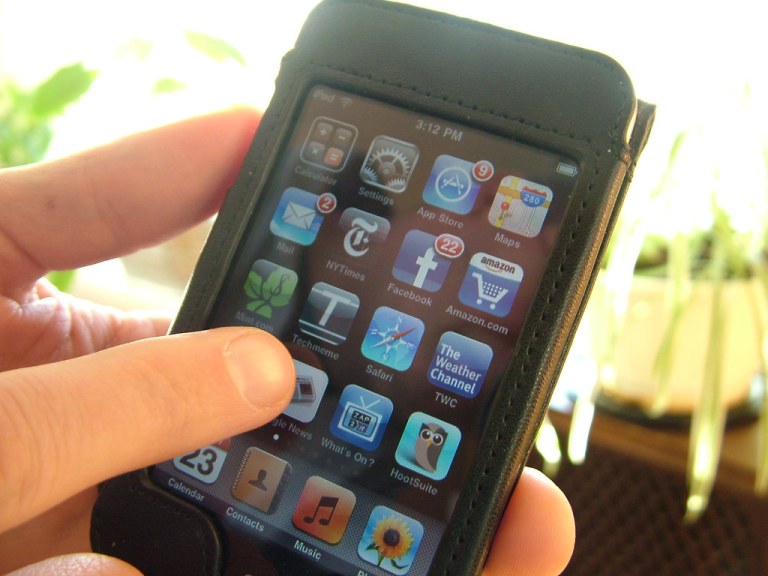
iPod touch apps courtesy of Openverse
💻 Different Styles & Purposes for Apps
There are several different types of popular apps available, all with different purposes. This list is not limited, as there are really thousands of types of apps. Here is the most popular:
- Browsers: These applications are used for data collection and internet browsing. Microsoft Edge, Firefox, Safari, and Google Chrome are a few examples.
- Spreadsheets: These applications carry out computations and store data in a tabular style.
- Education: These applications, which include reference software, classroom management, and language learning, are made with education in mind.
- Social media: Social interaction and content sharing are made possible by these apps. One example of a social networking app is Facebook.
- Gaming: Through interactive gameplay, these apps provide amusement. An example of a gaming app is Candy Crush Saga.
- Graphics: Images, graphics, and illustrations can be created, edited, and altered using these programs.
- Multimedia: Text, animation, music, video, and image content can all be included in these applications.
- Word processing: These applications help with content management, project management, database management, and time management.
- More. . .
Photo by geralt courtesy of Pixabay
🖥️ A Quick History on Apps
The growth of apps surged with the launch of Apple’s iPhone in 2007. In 2008, Apple rolled out OS 2.0, which featured around 500 apps and enabled the creation of third-party applications. Today, there are over 3 million apps available on both Apple and Android platforms, providing a wide array of choices for business, productivity, entertainment, organization, security, news, and much more. Programmers continue to introduce thousands of new apps regularly.
📲 Can I Download an App on My Phone or Tablet?
You can download new apps on Android devices through Google Play.

You can download new apps on Apple devices via the App Store:

🖥️ Can I Download an App on My Kindle FIre?
There are apps factory installed on your Kindle Fire. If you own the standard Amazon Kindle instead of the Kindle Fire, be aware that it does not support apps. You can use the preinstalled reading apps and GoodReads for tracking your reading and getting recommendations, but you won’t be able to connect to the internet or your computer to add any new features. If it is a Kindle FIre, there are more options, but still not near as versatile as apps through Google Play and The App Store.
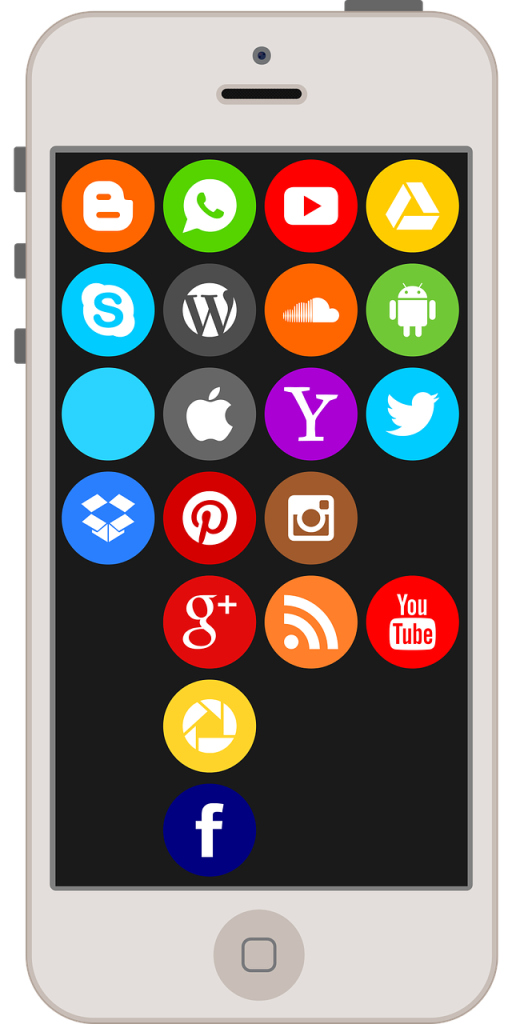
Photo by camellia_sasanqua courtesy of Pixabay
🎮 Is Alexa an App?
Alexa is an app, and an environment. The Amazon Alexa app is available on the App Store and Google Play, allowing users to manage Alexa-enabled devices, control music playback, view shopping and to-do lists, receive weather and news updates, manage timers and alarms, call or message supported devices at no extra cost, drop in on friends and family, and access information, answers, and play games with Alexa Skills.
🎮 🤖 The Future for Apps
The future of mobile apps is rapidly evolving, with new trends and technologies changing the user experience and how apps are developed.
- Artificial Intelligence (AI): is emerging as a key trend in mobile app development, with applications including personalized user experiences, chatbots, predictive analytics, and more.
- Augmented reality (AR), virtual reality (VR): These technologies enable immersive experiences in retail, navigation, and education.
- Cloud Technologies: Connected devices and cloud technologies Connected devices can track and save data to the cloud.
- Quantum Computing: Quantum computing could improve app security by using quantum encryption, as well as AI in mobile applications.
- Swift Programming Language: The Swift programming language is becoming the primary tool used by app developers, and it is thought to reduce costs and accelerate app development.
- Better Application Security: As apps become more integrated into our daily routines, there is a greater emphasis on improving app security.
- Additional trends include: Foldable devices, beacon technology, voice recognition, touchless user interfaces, extended reality, and motion-based designs, and more. . .
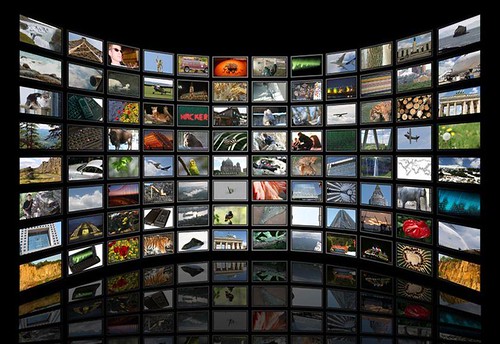
Screen of Apps courtesy of Openverse
National App Day
More on Versatileer:
![wp-17293102046131820575903648421057.jpg]()
Featured Photo: The Beauty of Fall Color – Northern Red Oak Tree, Rubio Woods, Near Midlothian
10/19/2024![wp-16968177042953750060424630353848.jpg]()
Featured Photo & Video: The 31 Days of Halloween – Day 9: Scary House on McVicker Avenue, Oak Lawn
10/09/2023![pack-with-spilled-popcorn-on-yellow-background-4134527 Patrícia Paixao at Pexels]()
Happy National Popcorn Day – 2022
01/20/2022![black-and-white-laptop-computer-on-brown-wooden-desk-356056 tech_1673061331.jpeg Pixabay at Pexels]()
National Technology Day – 2023
01/06/2023![Featured Photo: NASA Retro Mission Patch Party – Photo 36]()
Featured Photo: NASA Retro Mission Patch Party – Photo 36
03/25/2021